Projects and issues
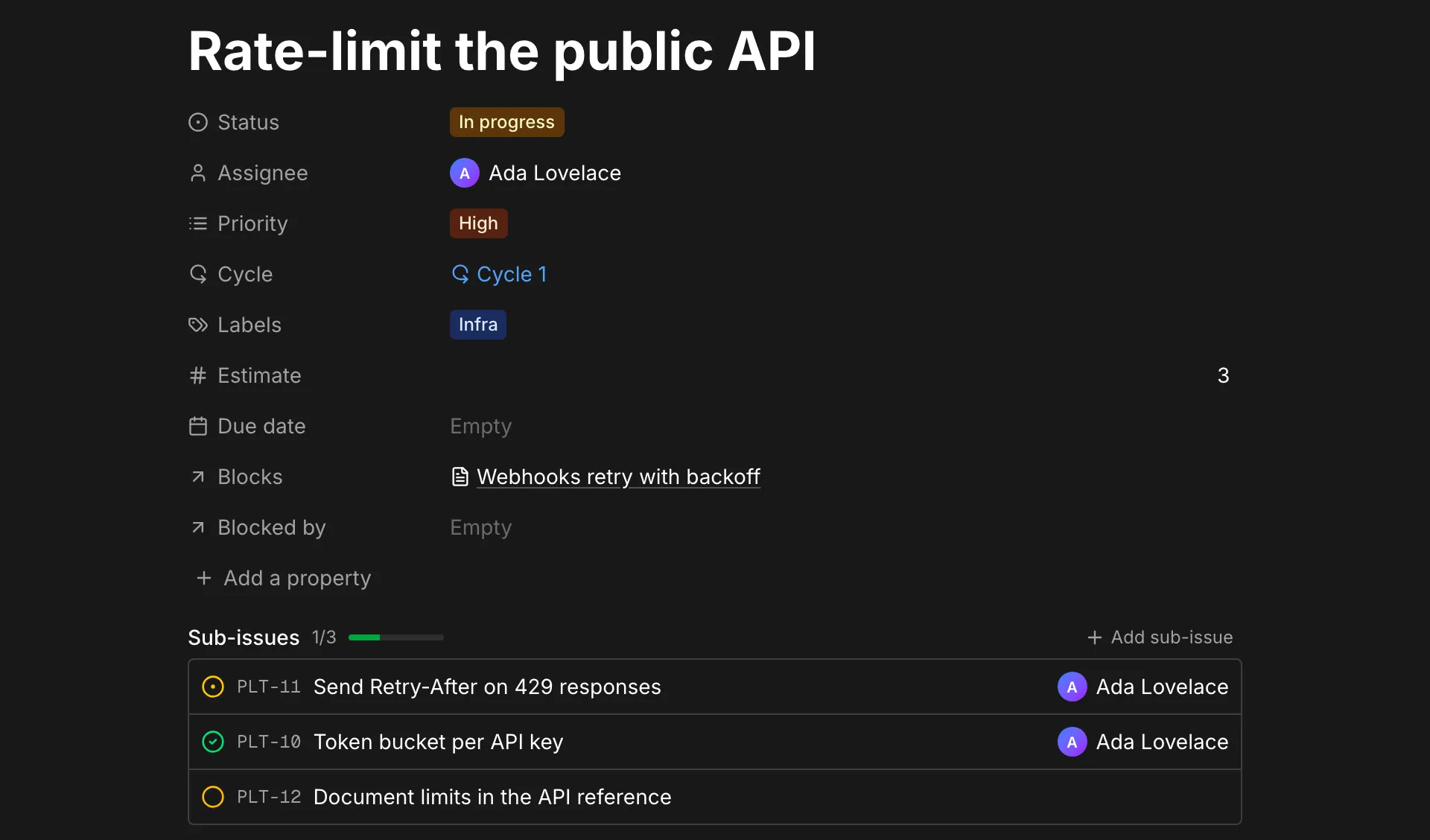
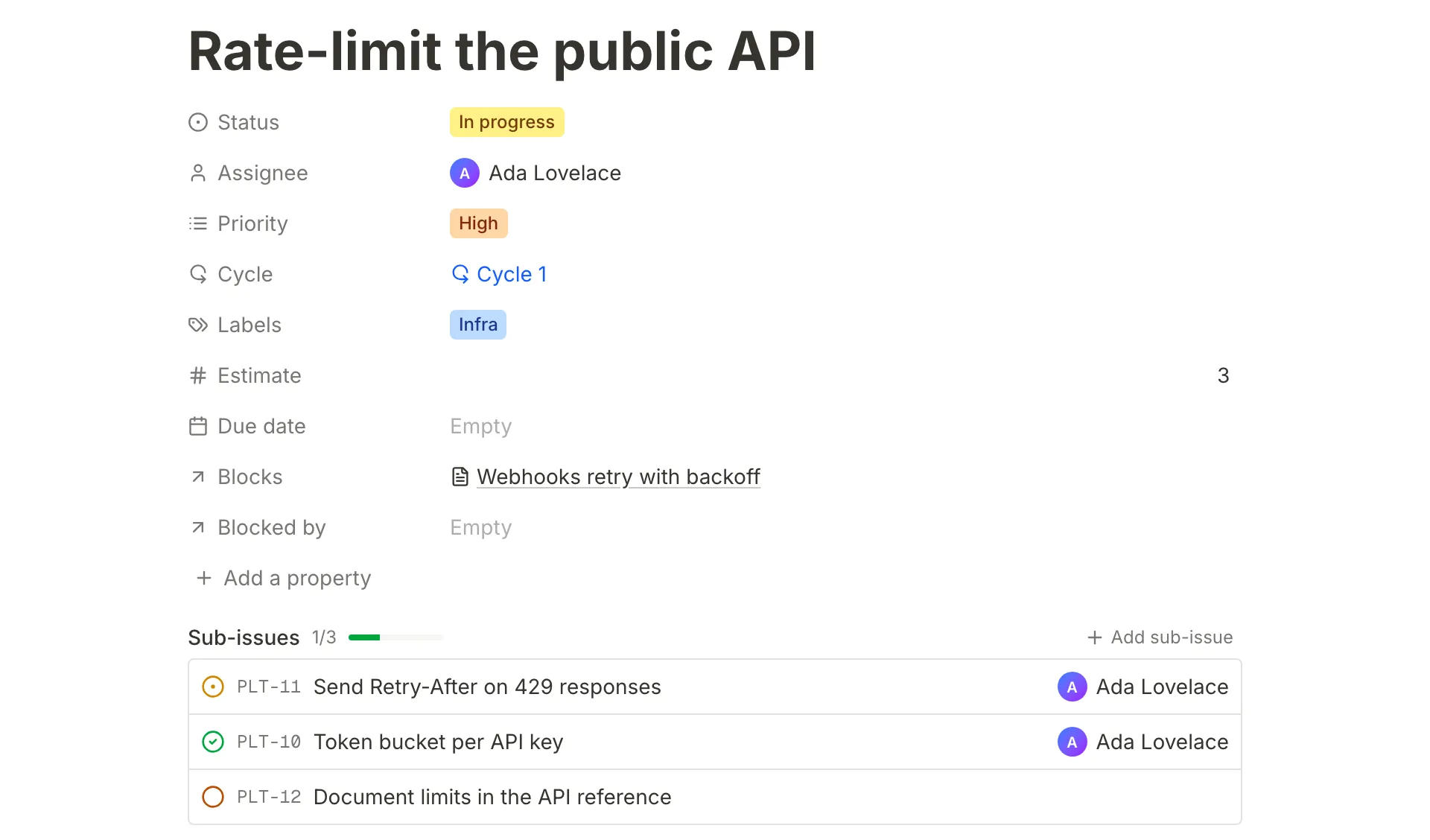
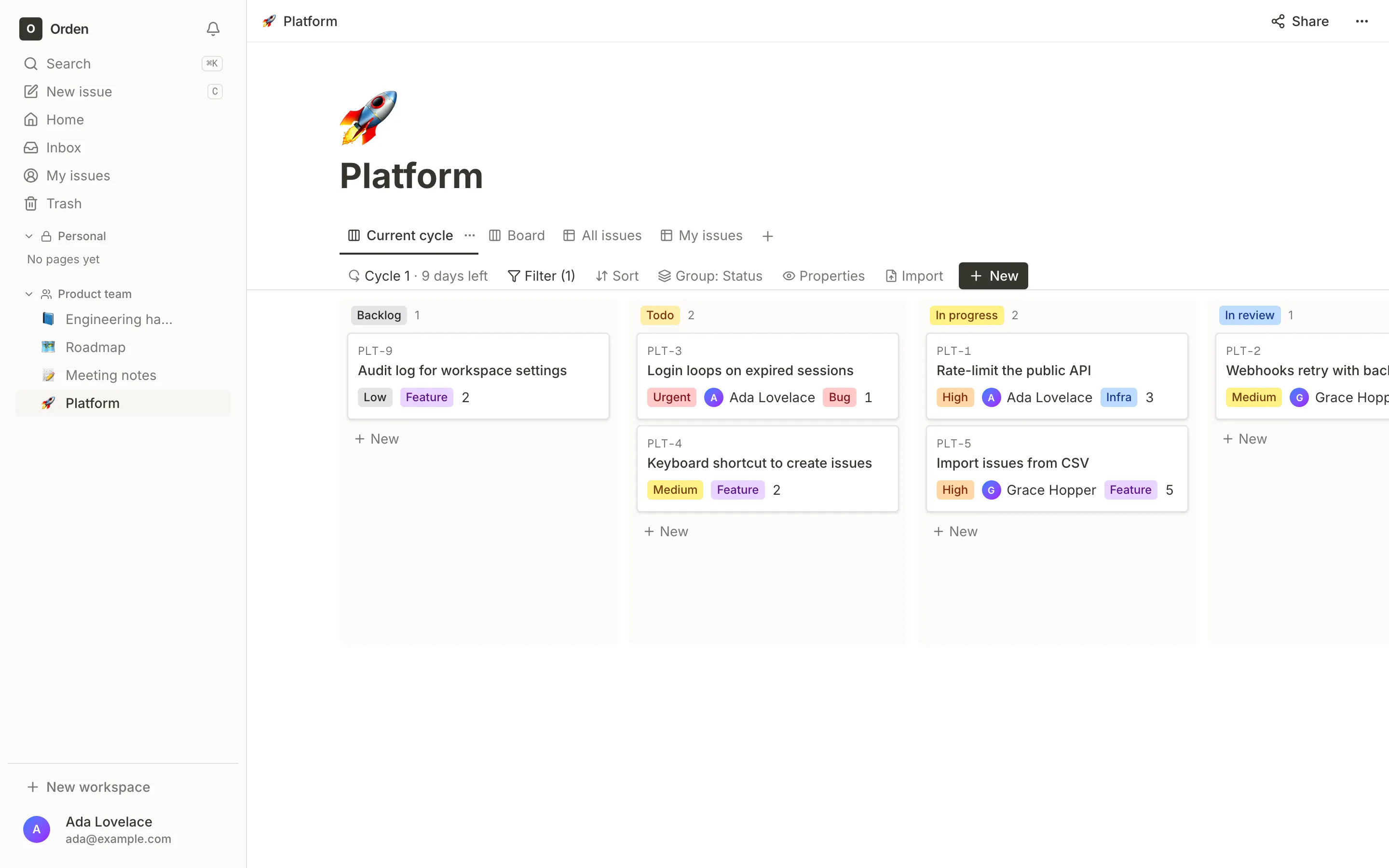
Issue keys like PLT-12, a status workflow, priorities, estimates, sub-issues and blocking relations. Every issue is a page, with comments and a timeline.
What works today
Docs and issues share one model: everything is a page. Issues get the editor, comments and sharing, and docs can hold databases of anything.
Issue keys like PLT-12, a status workflow, priorities, estimates, sub-issues and blocking relations. Every issue is a page, with comments and a timeline.
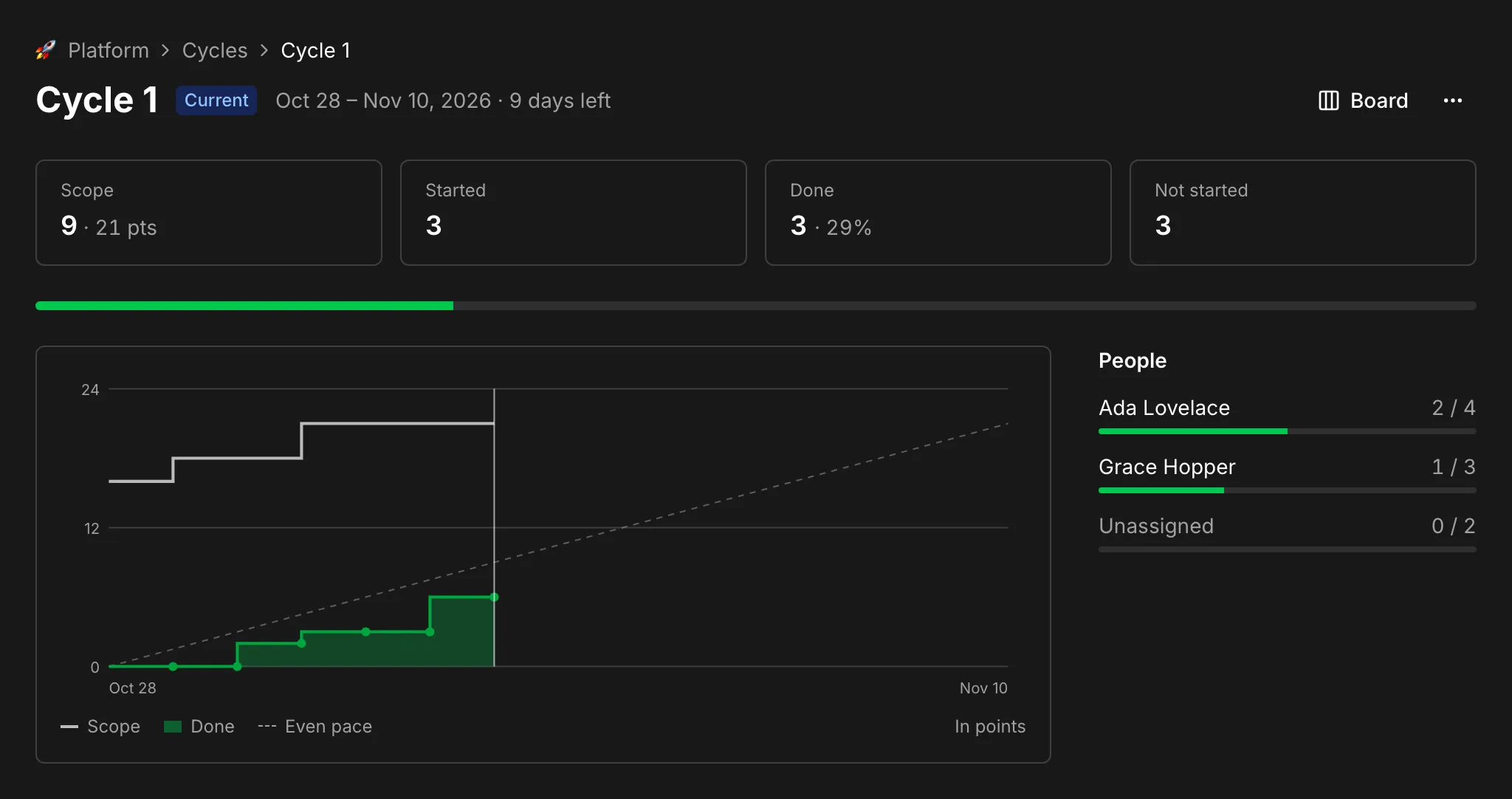
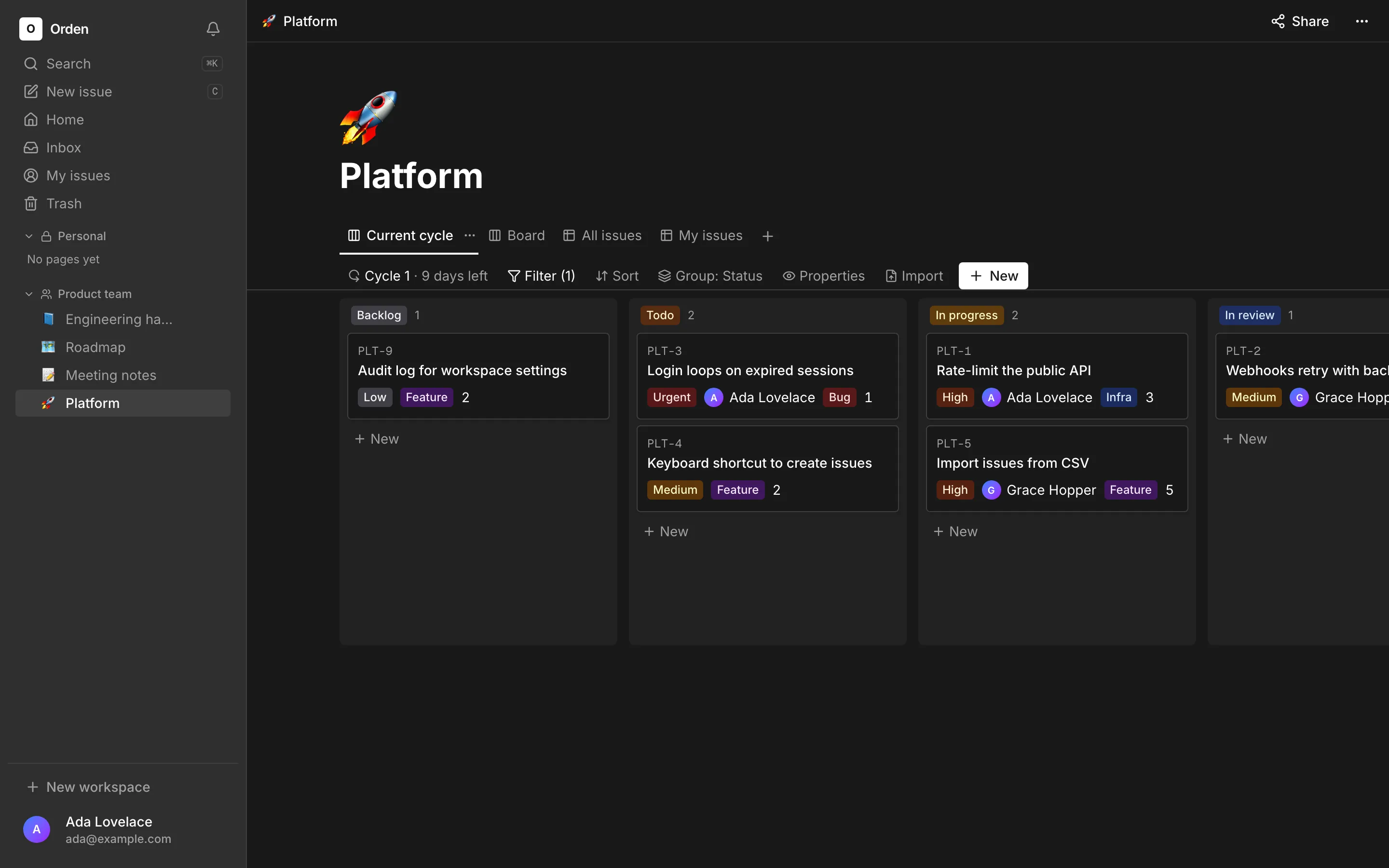
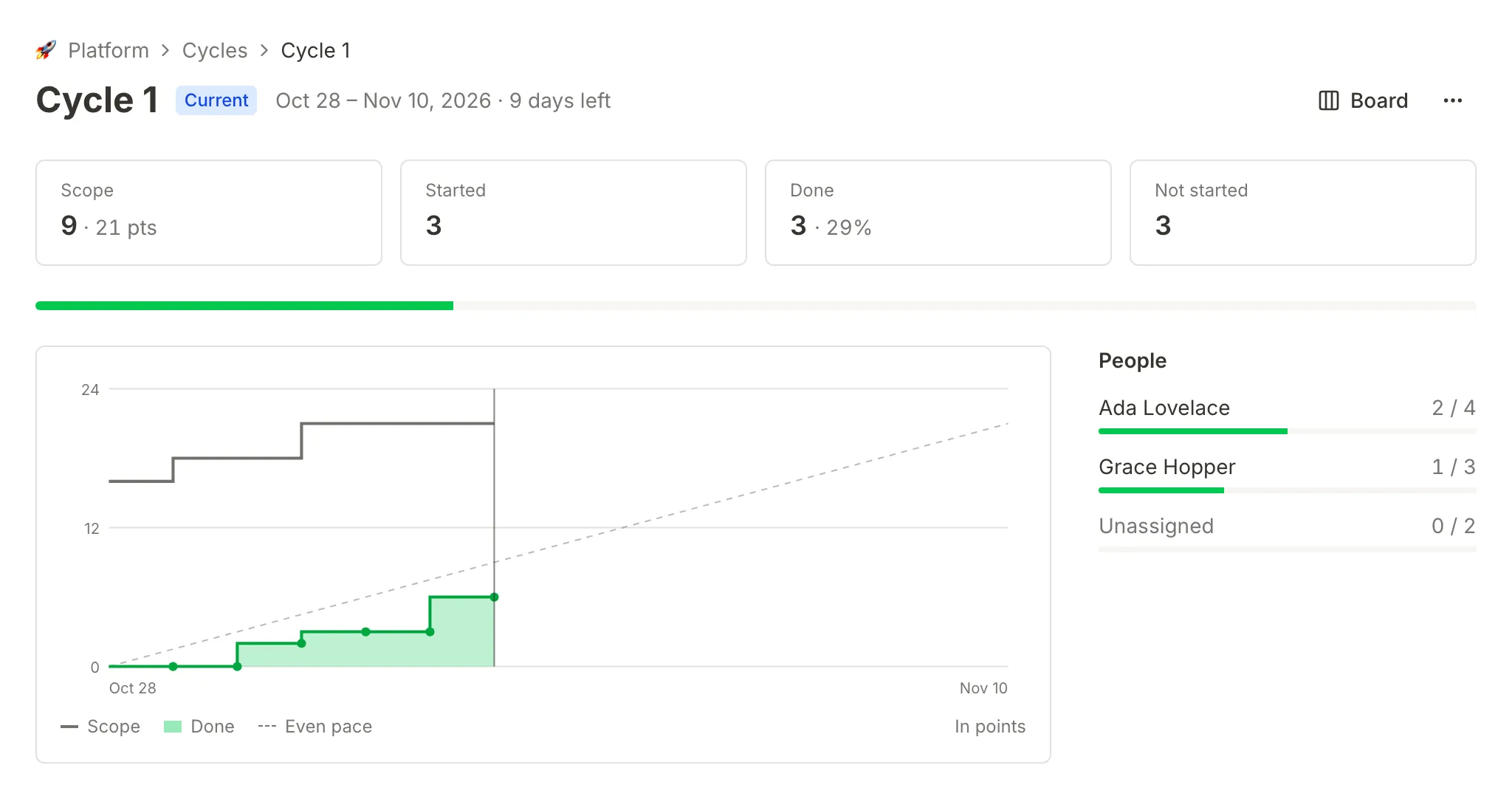
Sprints with a board that follows the running cycle, a burn-up chart, and unfinished work carried over when a cycle ends.
Tables, code, callouts, columns, math and embeds, with autosave, version history and inline comments.
Tables, boards and lists with typed properties, two-way relations, and filters and sorts saved per view.
Claude, Cursor or your own agents search, read and update issues and pages as you, with a key or by signing in.
Branches, commits and pull requests link to issues by key, pull requests list their issues, and merging one completes its issue.
Self-host
The setup script writes your secrets, and Compose builds the app and starts it with a job worker, Postgres and file storage. Migrations run on start. Only the app's port is exposed.
git clone https://github.com/ordenhq/orden.gitcd orden && npm run setupdocker compose up -d --wait# then open http://localhost:3000HTTPS, email, AI models, your own Postgres or S3, backups and upgrades are in the self-hosting guide.
Built to be run by you
Postgres, S3-compatible storage and SMTP, all of which you can run yourself. The AI model is whatever OpenAI-compatible endpoint you point it at, including Ollama or vLLM, or none at all.
A doc, a database row and an issue are the same thing underneath, so features land everywhere at once instead of in separate silos.
Sign-up is by invitation unless you open it. Roles decide who edits, publishes and deletes, and pages you can't read don't exist as far as you can tell.
MIT licensed, with tests for the permission rules and browser tests of every main journey, run in CI on each change.
Next
Orden is early. These are planned, in this order, and none of them ship yet.
Connect your GitHub account, and pull requests and commits show up as yours, not as a GitHub login.
Several people typing in one page, with presence, live cursors and boards that update on their own.
Assign an issue to an agent, read its plan in the comments, and approve the pull request it opens.
Clone it, start it, and invite your team. Your data stays in a Postgres database you can back up with the tools you already use.
docker compose up -d --wait